
Custom Kobo Case: Photo, Name, and the Right Model (2026)
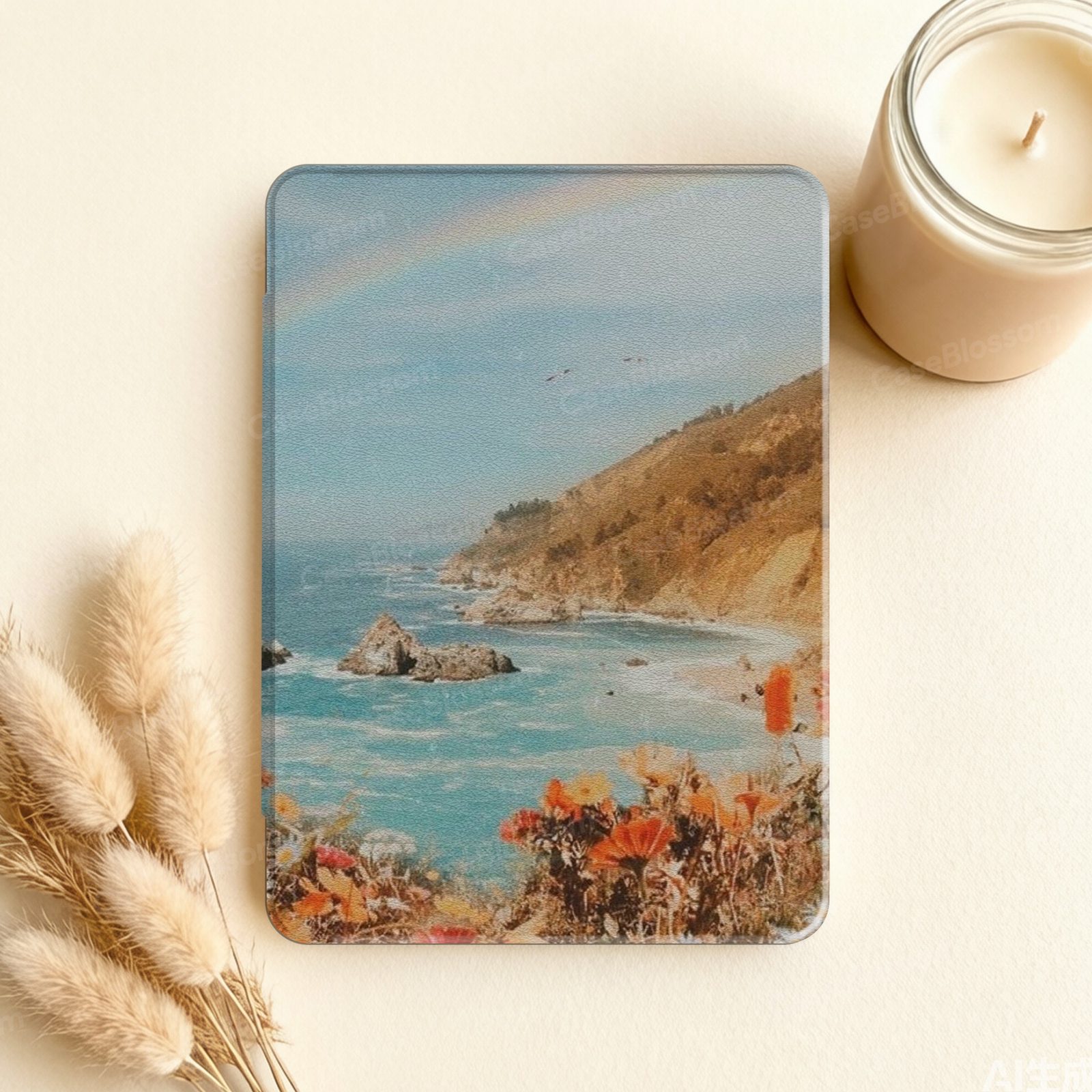
A custom Kobo case is made in two layers: your photo or artwork on the front flap, and a clear hard shell on the back that lets the colour of the reader show through. The part that decides whether it works is the model, not the picture. The two Kobo families we cut for are the 6-inch Clara line — Clara Colour, Clara BW and Clara 2E — and the 7-inch Libra line — Libra Colour and Libra 2. They have different dimensions and button layouts, so a "6-inch case" or "7-inch case" is not enough. On the design-your-own Kobo page you choose the exact model, upload a JPG, PNG or WebP at least 1000 px on the short side, add an optional name or initials, and receive a proof within 48 hours; nothing is printed until you confirm it. Customized cases are made only for you, so they cannot be returned or exchanged.
Which Kobo models can you customize?
The custom page currently covers the two current Kobo families:
| Family | Models | Body |
|---|---|---|
| Clara | Clara Colour, Clara BW, Clara 2E | 6″; Clara Colour/BW 112 × 160 × 9.2 mm, 174 g; Clara 2E 112.05 × 159.02 × 8.66 mm, 171 g |
| Libra | Libra Colour, Libra 2 | 7″; Libra Colour 144.6 × 161 × 8.3 mm, 199.5 g; Libra 2 144.6 × 161.6 × 9 mm, 215 g |
Not offered: Kobo Sage, Elipsa, Form and Nia. Those bodies have their own button and magnet layouts, and we would rather say so than sell a case that has to be forced on. If you are not sure which Kobo you have, the Which Kobo Do I Have? guide walks through the model name, the label and the size.
One more hardware difference matters for the case: Libra models have physical page-turn buttons on the grip side, while the Clara line is touch-first. The custom shell is cut to keep the Libra button edge usable; if you are choosing between the two families, the Best Kobo Case guide goes deeper on the day-to-day differences.
What the custom process actually looks like
- Choose the model and case type. The Device Model menu decides the cut; the Case Type menu decides the shell style shown for that model.
- Upload your artwork. JPG, PNG or WebP, at least 1000 px on the short side. A smaller or heavily compressed file will print soft, and the proof email will say so if the image is not sharp enough.
- Add a name or initials — optional and free. You can also add a note about the layout if the subject needs to sit in a particular place.
- Approve the proof. We email a proof within 48 hours. Production starts only after you reply to confirm it. You can cancel within 12 hours of purchase; once the proof is confirmed, the order cannot be changed or cancelled.
The print goes on the front flap, which also carries the magnet used by Kobo's SleepCover sleep/wake setting. The back stays a clear hard shell, so the reader's colour is still visible. If you would rather have a hand-painted print than your own photo, the Cottage Bloom and Midnight Garden listings are the printed alternative; the same free name or initials applies.
What makes a good photo for a Kobo case?
The short answer: a simple, well-lit image with one clear subject. The print area is the front flap, so fine text and crowded collages lose detail at that size. A photo of a pet, a book cover, a piece of art or a personal logo works best when the subject fills most of the frame and the background is calm.
Keep these in mind before uploading:
- Use the largest file you have. 1000 px on the short side is the minimum; more is better.
- Keep the main subject centred. The flap has a printed border, so leave some breathing room around the subject.
- Do not rely on tiny text. A name or initials is added separately; a paragraph of text in the photo will not be readable at flap size.
- Check the proof carefully. The proof is the last chance to catch a crop, a colour shift or a spelling error.
If you are unsure whether a photo will work, the custom photo case guide explains the same process for Kindle and iPad; the file rules are the same.
Custom photo or printed design?
Both paths end in a made-to-order case with a free name or initials, so the choice is about the artwork, not the quality of the shell.
- Choose a custom photo if the gift is about a person, a pet, a place or a piece of art that means something to the recipient. It is more specific, and it needs a good image and a proof.
- Choose a printed design if you want a hand-painted floral or a seasonal print that already fits the reader's taste. There is no upload step, and the design is drawn for the Kobo's proportions.
Neither path is "better"; they answer different gift questions. If the recipient already has a favourite CaseBlossom print, adding their name to it is the simplest personal touch. If the point is the photo, the custom page is the right route.
Frequently asked questions
Can I add a name to a custom Kobo case? Yes — a name or initials is included, and you can add it alongside your photo or artwork. Put the exact spelling in the personalization box.
Can I return a customized Kobo case? No. Each customized case is printed only for you and cannot be resold, so personalized orders cannot be returned or exchanged. You can cancel within 12 hours of purchase; after you confirm the proof, the order cannot be changed or cancelled.
What file should I upload? JPG, PNG or WebP with at least 1000 px on the short side. A larger, sharp file prints better; a small or heavily compressed file will look soft.
Will the case wake and sleep my Kobo? The front flap works with Kobo's own SleepCover setting, which is on by default (Settings → Power → SleepCover). If you prefer the reader not to sleep when the flap closes, you can turn that setting off.
Do you make a custom case for Kobo Sage or Elipsa? Not currently. The custom page covers the Clara and Libra families listed above; Sage, Elipsa, Form and Nia are not offered.
Start a custom Kobo case → Choose Clara or Libra, upload your photo, add a free name, and approve a proof before printing.