
Kindle or Kobo as a Gift? How to Choose (2026 Holiday Guide)
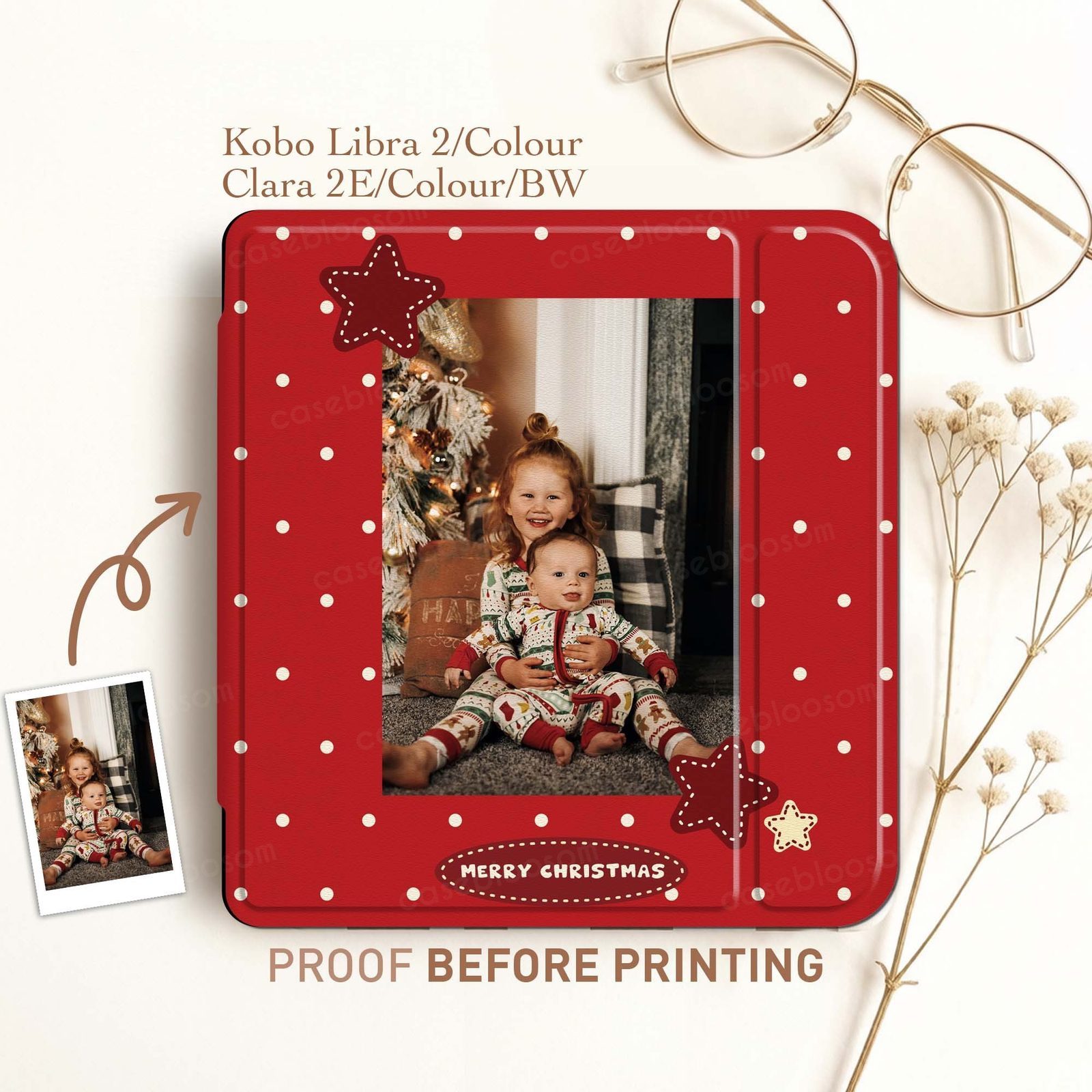
Short answer: both are excellent gifts — the right pick depends on how the person reads, not on which device is "better." Choose a Kindle if they live in the Amazon ecosystem: Audible listeners, Prime members, and people who want the simplest possible setup. Choose a Kobo if they borrow heavily from the library: Kobo's built-in OverDrive support makes borrowing friction-free, and the Libra adds physical page-turn buttons the Kindle line doesn't have — Amazon's answer is the new Bluetooth page-turn remote. Both brands now run compact and larger models, and both are fully covered by CaseBlossom cases, cut per exact model with a free name or initials and a proof emailed before printing. If you are gifting the case too, grab the model name first — or gift the device and let the case be the follow-up.
Who should get which — the quick version
- Amazon household (Audible, Prime, Alexa) → Kindle. Books, audiobooks and settings all live in one account they already have.
- Heavy library borrower → Kobo. OverDrive/library borrowing is built into the device, so borrowed books appear on the home screen.
- Wants physical page-turn buttons → Kobo Libra. One-handed reading with real buttons; the Kindle alternative is Amazon's new Bluetooth page-turn remote.
- Wants a compact color reader → Kobo Clara Colour or Kindle's Colorsoft line; see the Clara vs Libra comparison.
- First-time e-reader owner → either, honestly. Both are one-account, no-fuss devices. Pick by the ecosystem they already use.
The differences that actually matter
| Kindle | Kobo | |
|---|---|---|
| Store & account | Amazon Kindle Store; ties into an Amazon account | Kobo Store (Rakuten); its own account |
| Audiobooks | Audible ecosystem is native territory | Audiobook support exists, but Amazon's Audible integration is the deeper one |
| Library borrowing | Works via Libby's Send-to-Kindle flow | Built-in OverDrive — borrowed books show right on the device |
| Page-turn buttons | None on-device; Amazon sells a Bluetooth page-turn remote | Libra models have physical page-turn buttons |
| Size range | Compact 6-inch up to the 11-inch Scribe | Compact 6-inch Clara up to 7-inch Libra |
| Cases at CaseBlossom | Full range, cut per model | Full range, cut per model |
One warning for gift shoppers: spec sheets change every generation. Waterproofing, storage and screen tech are worth re-checking on the current product pages before you buy the device itself.
The 5-minute gift decision
- Ask (or snoop for) one fact: does the person already read on their phone's Kindle app or listen to Audible? Yes → Kindle. They borrow from the library app constantly → Kobo.
- Ask about hands: do they read lying on their side or one-handed on trains? Buttons matter more than they expect → Libra.
- Check the screen they'd want: compact and pocketable vs. bigger and easier on the eyes.
- Buy the device on deal season if the price is right — but buy the case for the exact model, once the box is open and the model name is confirmed.
Then make it personal: a case with their name
Whichever device you choose, the case is where a gadget becomes a gift. Every CaseBlossom case is cut for the exact model — Kindle from the 6-inch (2026) to the 11-inch Scribe, Kobo for the Clara and Libra families — and a name or initials on the cover is free. You approve a proof before anything is printed, and for a truly one-of-one gift you can upload a photo or artwork to the custom case collection (Kindle / Kobo). Shopping for the holidays? Start with the Christmas Kindle and Kobo cases. Holiday timing matters: production starts only after the proof is approved, so check the delivery cutoffs before you promise a date.
Frequently asked questions
Is Kindle or Kobo better for library books?
Kobo, for most people. Library borrowing through OverDrive is built into the device — you browse, borrow and read without leaving it. Kindle owners can borrow through Libby and send books to the device, which works but adds a step.
Which is easier for a first-time e-reader owner?
The one that matches the account they already have. If they are an Amazon shopper, the Kindle is plug-and-play with books they may already own. If they are not, a Kobo sets up just as cleanly on its own account. Both are ready to read in minutes.
Can I buy the case before they've picked the device?
Better not. Cases are cut per exact model, and a 6-inch Kindle case will not fit a 7-inch Paperwhite. Either get the model name first — the 30-second identification guide makes it easy — or gift the device now and let the personalized case be the follow-up present.
Does the free name personalization work for both brands?
Yes. A name or initials on the cover is free on every style for both the Kindle and Kobo ranges, and you approve a proof before we print. For Kobo specifically, the Kobo case guide covers styles and fit, and the Kobo model check helps you confirm the exact device.