
Kindle Case Auto Sleep/Wake: How It Works and Why It Stops
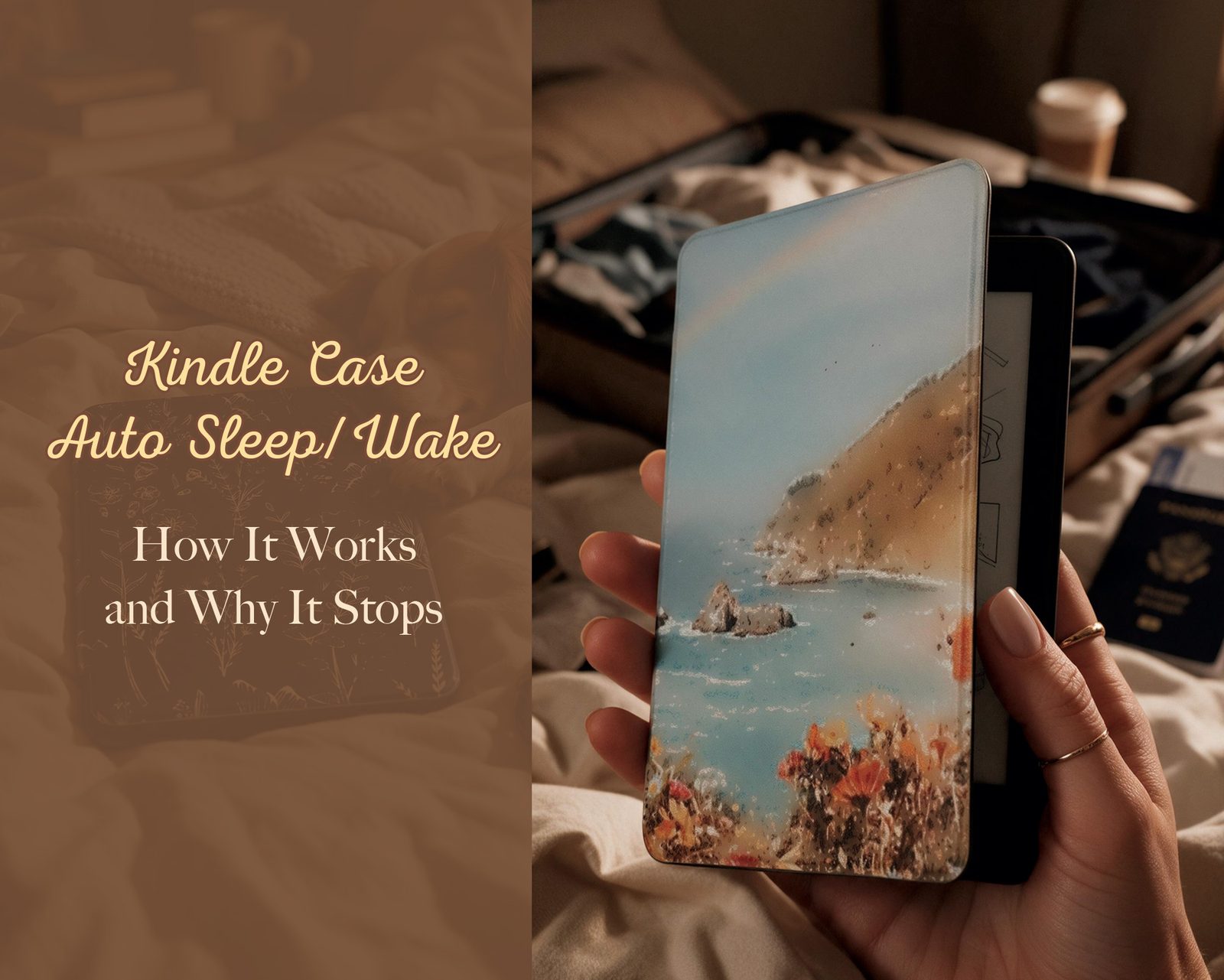
Open the flap, it wakes. Close it, it sleeps. When that stops happening, the cause is almost never a defect — it is geometry. This is how the feature works, the five reasons it fails, and whether any of it is quietly eating your battery.
Short answer: the case never talks to your Kindle. There is a magnet in the flap and a sensor in the device. If it stops working, the magnet is no longer where the sensor expects it — most often because the case is for a different generation.
What actually happens when you open the flap
Every fold-over Kindle cover has small magnets set into the front flap. Inside the reader, near one edge, sits a magnetic sensor (a reed or Hall-effect switch). Magnet close → device sleeps. Magnet away → device wakes. That is the whole mechanism, and three consequences follow:
- No battery, no chip, no pairing, no firmware. Nothing inside the case can run out of power or need updating.
- Nothing to switch on. E-reader Kindles have no auto sleep/wake setting; the sensor is always live. Our covers with a front flap support the function by design — the FAQ says so plainly.
- It is position-dependent to the millimetre. A magnet 8 mm away from where Amazon’s own cover places it may or may not register. That single fact explains most of the internet’s complaints about third-party cases.
Five reasons it stops working, ordered by how often each is the real cause
- The case is for a different generation. The flap magnet now sits beside the sensor instead of over it. This is the most common reason by a wide margin, and it is why fit is worth ten minutes: model-by-model dimensions are here.
- The flap magnet is weak or misplaced. Cheap covers sometimes use a smaller magnet in a generic position. It can work at first and fade as the adhesive shifts.
- Magnet polarity is reversed. The sensor responds to a field, not a pole, but a reversed magnet in the wrong spot can leave the device convinced the cover is shut. Symptom: the reader sleeps when you open it, or refuses to wake.
- The device is off or frozen, not asleep. A powered-off Kindle will not wake to a cover, and a frozen one will not either. Hold the power button for a full 40 seconds and watch for the refresh. If the screen never comes back, that is not your case.
- Something sits between them. A thick sticker layer, an insert card, a magnetic mount, another cover’s flap folded behind the device, or a metal plate in a stand. Move those away and retest before you blame the shell.
Find the sensor in about 30 seconds
With the Kindle awake, slide a small magnet — another cover’s flap, a fridge magnet — slowly along the front edge of the device. Where the screen snaps off, you have found the sensor. Now close your case and check whether its magnet lands in that same place. If it does not, the case is wrong for your model rather than broken, and no amount of resetting will fix it.
Keep strong magnets away from credit cards and any implanted medical device, and treat this as a brief pass rather than leaving a magnet parked on the screen.
Does a case drain the battery?
Directly, no. The magnet consumes nothing, and a case cannot keep a radio on. Indirectly, there are exactly two ways a cover costs you power:
- The device never actually sleeps because the magnet never gets close enough when the flap shuts — so it stays awake in a bag, warm, and flat by the next evening.
- The device wakes constantly because a magnet sits near the sensor while the reader is stored, or the flap keeps brushing it.
To tell which you have: charge to 100%, leave the reader asleep inside the case overnight, and read the percentage in the morning. Then repeat one night with the case off. E Ink only draws power when the image changes, so an idle Kindle should barely move either way. A big drop in both tests points at wifi, an old battery or a stuck page — not the cover.
Weight and thickness, honestly
A fold-over leatherette cover adds real heft; that is the price of protecting the front and getting auto sleep/wake. A clear back-only shell stays the lightest option and protects the back and corners while leaving the screen bare. The strap version adds a little material but removes most of the arm fatigue that makes people put the reader down — which is its own kind of lightness. We do not publish per-style gram weights, so if the number matters to you, ask us through the contact bubble and we will weigh it and tell you.
Wireless charging, MagSafe and page turners
- Wireless charging is a non-issue on e-readers. None of the current Kindle readers charge inductively, so no case can block it. When a listing mentions “wireless charging” for a Kindle case, it is describing a magnetic mount, not power.
- Mounts and pop-sockets need magnets on the back, which is what the double-sided magnetic back style is for (Paperwhite 12th Gen, Paperwhite 11th, Colorsoft).
- Bluetooth page-turner remotes work with any case, because they are separate devices you hold. Clip-on button covers and cases with built-in page buttons are where fit really matters — check that listing’s compatibility note before ordering.
If you would rather the cover did nothing at all
Choose a clear, back-only style with no front flap: nothing swings past the sensor, so the reader sleeps on its own timer instead. It is also the lightest option and the one that shows off a print or your own stickers.